Cold Blood Dino Hunting Controls and HUD Guide
Dial in movement, aiming, and stalk inputs before you waste a trophy shot.
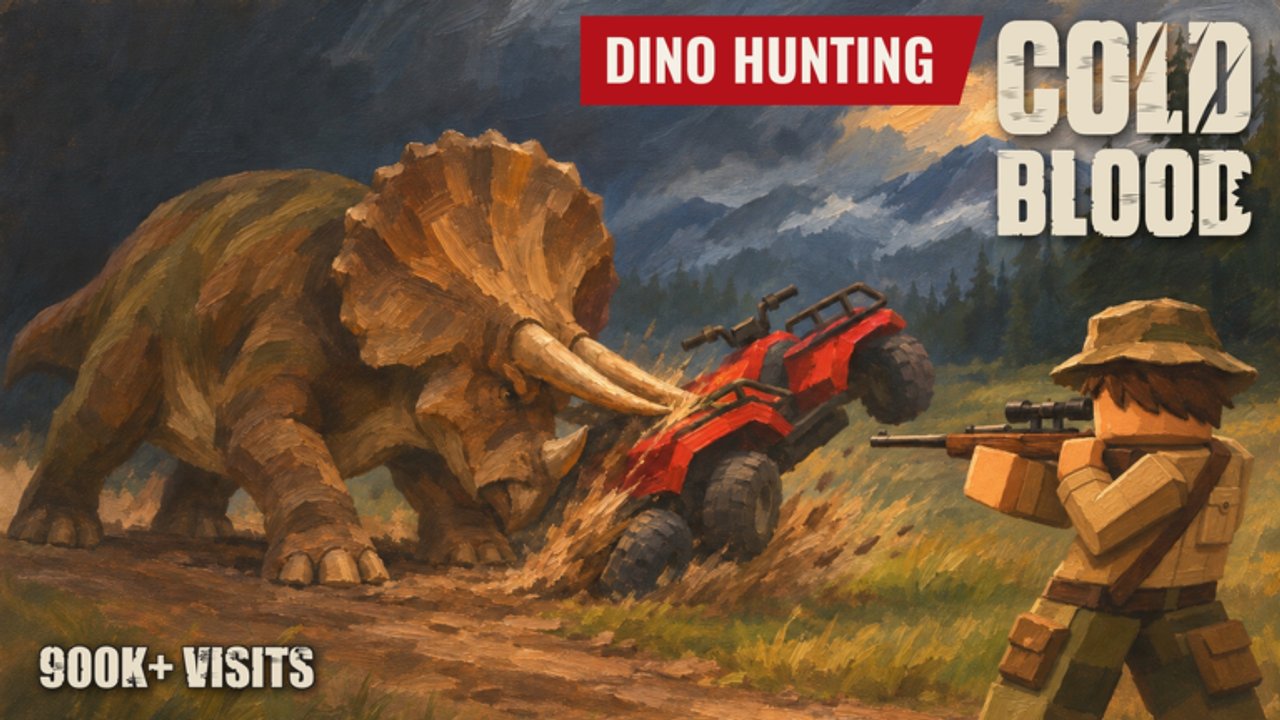
Cold Blood Dino Hunting rewards deliberate inputs. Missed keybinds turn a perfect blood trail into a noisy sprint that every predator in the basin can hear. This controls guide covers the habits that matter on Roblox PC and mobile, plus settings tweaks that make drop and energy easier to read.
Core PC habits
- Walk and crouch near herds. Sprinting is for rotations between ridges, not final approaches.
- ADS with patience. Scope sway and drop matter; snap-firing C-tier peashooters teaches nothing.
- Bind a reliable melee or utility key if the build offers knives or callers, but never fumble them mid-track.
- Keep the map or compass UI visible when learning reserves—see reserves map for landmarks.
Exact default key names can shift in BETA patches; treat this as a behavior guide and reconfirm in the in-game settings menu after updates.
Mobile specifics
Mobile hunters should:
- Switch to landscape for wider glassing.
- Enlarge the fire and crouch buttons so stalk inputs do not miss.
- Lower look sensitivity until leading Gallimimus feels predictable.
- Lock the Codes and Shop buttons in muscle memory for quick redemptions.
If the touch HUD covers tracks, use Roblox accessibility scaling or a custom UI opacity option when available.
Aiming and shot placement
Shot placement is a stated pillar of the design. Aim for vitals learned in hunting tips, account for drop on ridge shots, and cancel the shot if a herd mate clips your lane. Energy weapons that feel strong in hipfire often waste reserve ammo when you panic.
Practice routine:
- Pick a stationary stump or rock.
- Fire from three distances with your main rifle.
- Note drop.
- Repeat on a slow walker before any apex attempt.
Audio as a control
Headphones are part of the control scheme. Wind direction, footsteps, and predator responses to gunshots are gameplay. Mute music if it buries those cues. Pair audio awareness with quiet weapons from the weapons tier list during night sessions.
Quality-of-life settings
| Setting | Suggestion | Why |
|---|---|---|
| Sensitivity | Medium-low | Stable leading shots |
| Graphics | High enough to see tracks | Footprints and blood matter |
| Shadows | On if FPS allows | Depth helps ridge glassing |
| Volume mix | Boost SFX | Hear investigators |
Linking controls to progression
Better inputs raise trophy quality, which funds better guns, which makes permit challenges easier. If your shots feel random, do not buy another rifle yet—fix-run this page and Getting Started first.
Common control mistakes
- Hipfiring every encounter “because mobile.”
- Jump-spamming on approach (noise + bad angles).
- Forgetting to toggle inventory hotbars after a code grant.
- Ignoring crouch on Ochre Mesa skylines where animals look upslope.
Related pages
- Getting Started
- Hunting tips
- Weapons guide
- Scripts Hub if you are comparing assisted aim to manual skill
Practice range routine before every ranked hunt
Spend five minutes in a quiet corner of Kettle Hollow before you touch a permit task. Fire three shots at a rock from short, medium, and long distance with your primary rifle. Call the drop out loud. Then crouch-walk a short stalk without touching sprint. This micro-routine exposes sensitivity mistakes faster than any shop purchase and keeps mobile players from blaming touch controls when the real issue is panic hipfire.
Inventory and hotbar discipline
After every code redeem, open inventory and pin the new weapon or boost where your fingers already expect it. Nothing ends a blood trail faster than cycling past the wrong item while a predator closes. On PC, keep the quiet secondary one key away from the rifle. On mobile, place the secondary fire control where your thumb does not collide with crouch.
Communication binds for duo hunts
If you play in a twelve-player server with friends, agree on a simple callout language before the stalk: holding, taking, relocating, investigator left. Bind push-to-talk or use Roblox voice carefully so you do not talk over soft audio cues. The Players Hub lists etiquette; controls are how you execute it without stepping on a teammate lane.
Accessibility and performance tradeoffs
Lower graphics only until footprints and blood remain visible. Tracks are gameplay, not decoration. If frames collapse in Ashfall haze, reduce shadows before you reduce foliage detail that hides animals. Stable frames with readable trails beat a cinematic slideshow that causes late shots.
From controls to confidence
When these habits stick, every other guide becomes easier. Hunting tips assume you can crouch and hold a lane. Weapons guide assumes you understand drop. How to hunt Tyrannosaurus assumes you will not sprint-jump into the opening angle. Master the inputs, then spend cash.
Frequently Asked Questions
Quick answers for Cold Blood Dino Hunting hunters.
What sensitivity should I use?
Start medium-low so you can track drop and lead runners. Raise it only after clean Hollow sessions.
Does crouch actually help?
Yes. Lower profiles and slower movement reduce spook range on wary herds.
Any mobile-only tips?
Use landscape, enlarge fire/crouch controls, and lower look sensitivity for predictable leads.
Why do my shots miss at range?
You are likely ignoring drop or firing while sprinting. Practice from ridges with a balanced rifle.